

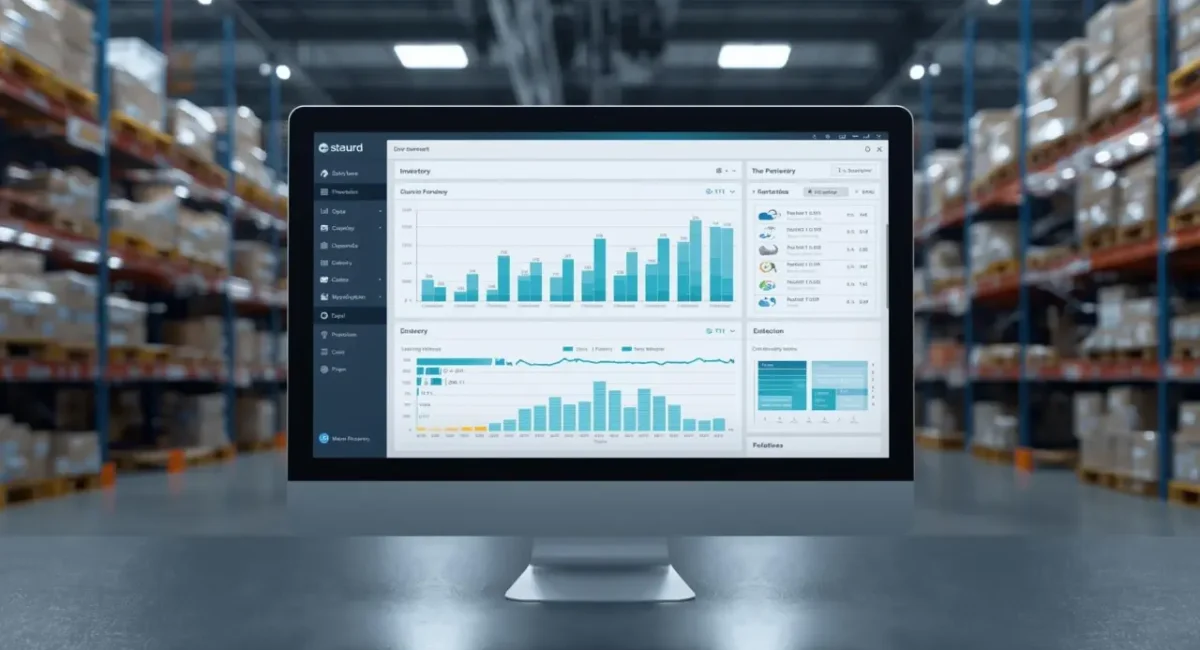
Having the appropriate stock, particularly in the current sophisticated business environment, is crucial to the viability of any small business company. Using inventory management software can improve the structuring of your inventory process, reduce cost, and enhance revenue and profit. Once you install the required software, you can track the product in real time, manage the stock between various regions, and make the appropriate decision regarding buying the stock, thereby preventing stockouts or situations of having excess stock.
In this article, we will discuss in detail what an inventory management system is, why we need it, and what the main functions are that you need to focus on. We will then continue to discuss more regarding each of the 10 inventory management software products currently in use today, using software features and advantages and disadvantages, as well as how and when used. By the end of today, you should have a very clear idea about how using this software can help your business.
What is Inventory Management Software?
Inventory management is a program that is specifically designed to monitor and manage the flow of inventory in businesses. It offers timely information on the inventory, making it possible for managers to monitor the stock’s availability in various locations and determine the points where orders should be placed and processed. From the raw material purchasing stage to converting the raw materials into products, this software provides information on the inventory that is so valuable to eliminate human interference errors, storage issues, and internal cash cycles.
Also Read: World’s Best Business Opportunity
What to features to look in an Inventory Management Software ?
Accuracy should be top on your priority list for an effective inventory management software. Below are some vital characteristics that denote a good, trusted inventory management system or application you should be looking for:
Ease of use: Look for interfaces with friendly interfaces and the least learning requirements
Live syncing: Stock counts must be active and real-time in all the warehouses and stores, with the rules applied live and in real-time
Barcode scanning: The tool ought to have barcode scanning for convenient identification and tracking of the products
Stock notifications: Facilitates notification and alert options to flag when a product is out of stock and requires restocking
Scalability: Companies expand over time. Be careful to notice whether there’s a tool that can scale with your business, supporting more data and inventory tracking complexities
Mobile Accessibility: Mobility in inventory management enhances flexibility; thus, look for inventory systems that can run on many different devices
Automation: Select platforms that automate tasks that are repetitive and reduce the dependency on human inputs because of the risk of human error
Integration Capabilities: Select tools that integrate with other business tools to facilitate an efficient workflow.
Top 10 Inventory Management Software
1. Zoho Inventory
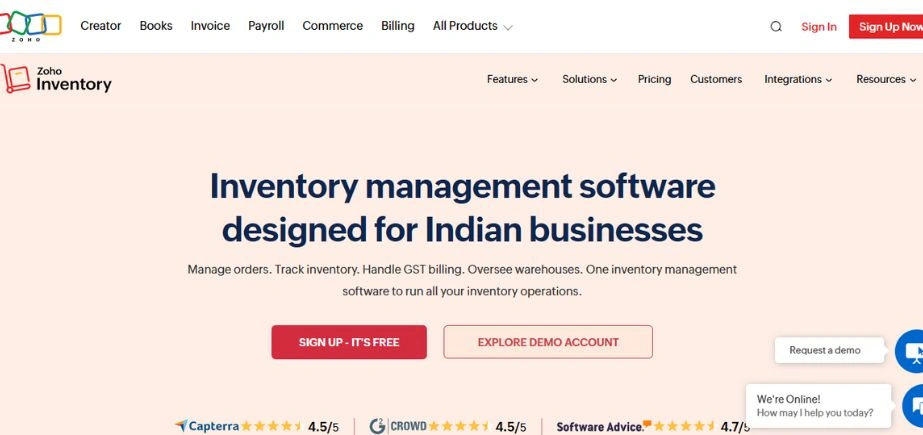
Zoho Inventory is a cost-effective, cloud-based inventory management software that has amazed its users through its simplicity and adaptability. Geared mainly toward small and growing businesses, Zoho Ship provides real-time shipping status and order tracking and integrates with other Zoho applications like Zoho Books and Zoho CRM. The software enables multiple channel orders by allowing sellers to manage sales from multiple channels.
Zoho has a lot of integrations with e-commerce sites such as Shopify, Amazon, Etsy, eBay marketplace, and Zoho Commerce. Even though there are a few integrations, Zoho is competitively priced compared to other inventory management software.
Zoho features
- Best suited for small businesses, drop shippers, and small e-commerce companies
- Easily integrates with other applications in the Zoho inventory software suite
- Free and low-cost plans starting from $29
- Access shipping rates in real-time from major shipping carriers across the globe
Zoho limitations
- Fewer e-commerce platforms and marketplace integrations
- Pricing depends on monthly orders as an increase in the firm’s capacity requires a plan upgrade
Zoho pricing
- Free plan: (50 Orders and 1 user only)
- Standard: $29 monthly (per organization with 500 monthly orders and 2 users)
- Professional: $79 (per organization with 3000 monthly orders and 2 users)
- Premium: $129 (per organization with 7500 monthly orders and 2 users)
- Enterprise: $249 (per organization with 15000 monthly orders and 7 users)
Zoho ratings and reviews
- G2: 4.3/5 (80+ reviews)
- Capterra: 4.5/5 (350+ reviews)
2. Cin7
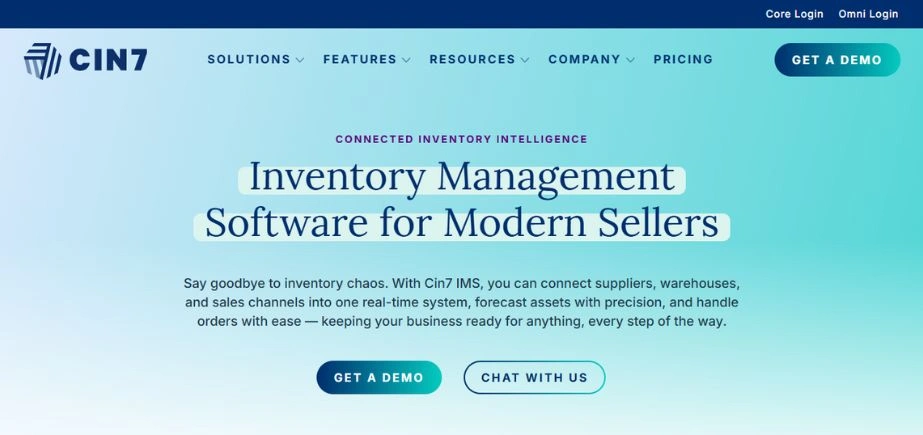
Cin7 is one of the strong inventory management systems that is specifically designed to address the needs of companies that need full-featured inventory control. It supports inventory tracking, order management, and point-of-sale integration and hence can be applied for retailing, wholesaling as well as e-business. Some of the major performances of this software include managing production flow, cost control, and supply chain tracking.
The web-based business management system applies the Kanban method for inventory replenishment and reordering and provides accounting capabilities like the first in, first out (FIFO) process.
Cin7 also differentiates itself through its low-cost pricing for businesses of all types and an unlimited stock-keeping units (SKUs) capability.
Cin7 features
- Migrate stock between warehouses easily
- Create purchase orders quickly using its automated purchase order feature
- Enables POS systems and barcode scanning on all plans
Cin7 limitations
- The base plan does not include Electronic Data Interchange (EDI) connections and 3PL configurations
- No free plan nor a free trial option
Cin7 pricing
- Cin7 Core
- Standard: $349 monthly
- Pro: $599 monthly
- Advanced: $999 monthly
- Cin7 Omn: Custom pricing
Cin7 ratings and reviews
- Cin7 Core
- G2: 4.1/5 (75+ reviews)
- Capterra: 4.3 /5 (400+ reviews)
- Cin7 Omni
- G2: 3.7/5 (75+ reviews)
- Capterra: 4.3/5 (550+ reviews)
3. Katana MRP
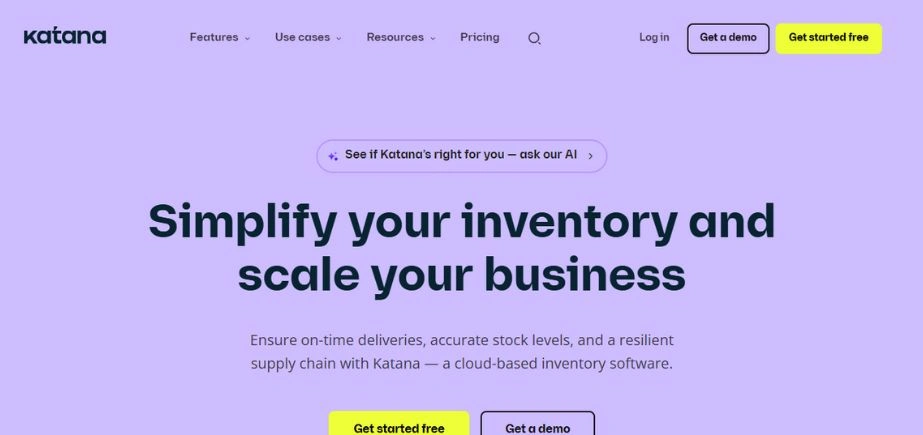
Katana MRP is a smart manufacturing and inventory management software that has numerous features such as inventory tracking, order management, and production management.
Its various pricing plans and levels are competitive because each of them offers a lot of warehouse and workflow management features at an affordable price.
As a result, the Katana warehouse management system is suitable for manufacturing businesses since it has unique features such as barcode-capable parts tracking, robust stock control, assembly tracking, storage, and shop floor inventory management systems.
Katana MRP features
- Ideal for manufacturing companies and multichannel resellers
- Live warehouse management system with a 14-day free trial option
- Connect seamlessly with other e-commerce platforms, marketplaces, and shipping systems
Katana MRP limitations
- Additional users incur extra costs, and the pricing plans may be considered expensive for small businesses
- According to customer reviews, Katana lacks live phone support, resulting in a challenging customer service experience
Katana MRP pricing
- Essential: $129 per month (includes 500 shipped sales order lines)
- Advanced: $349 per month (includes 5000 shipped sales order lines)
- Professional: The discounted price of $799 per month (has 25,000 shipped sales order lines)
- Enterprise: Custom pricing
Katana MRP ratings and reviews
- G2: 4.4/5 (35+ reviews)
- Capterra: 4.7/5 (150+ reviews)
4. Fishbowl Inventory
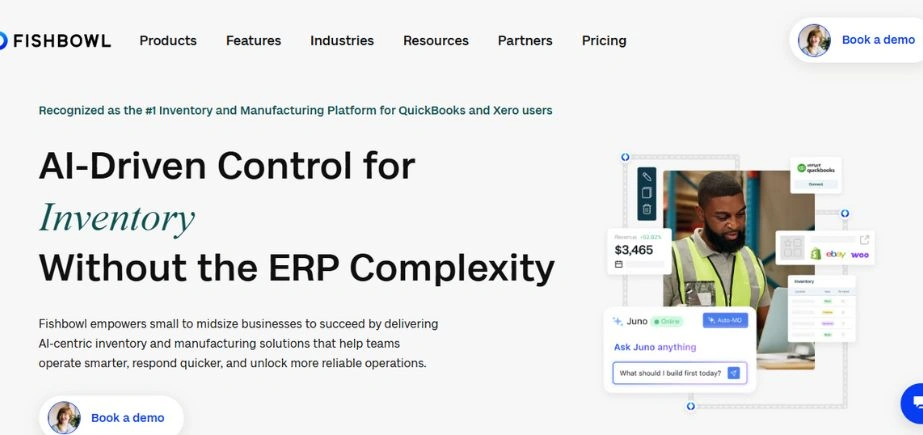
Fishbowl Inventory is a cloud-based end-to-end inventory software that can be used with Quickbooks and Xero systems without issues.
Unlike some other inventory management software providers, Fishbowl provides users the ability to have control over all supplier purchasing track inventory, purchase orders, warehousing, and inventory monitoring information in one centralized location, so it is made available to every user.
Fishbowl Inventory features
- Offers a 14-day free inventory management software trial with comprehensive module options, which allows for an optimized warehouse system
- Easy integration with accounting software like QuickBooks and Xero
- Ideal software for large-scale shipping businesses and manufacturers
Fishbowl Inventory limitations
- Too pricey for companies with multiple users
- Feature add-ons require additional cost
Fishbowl Inventory pricing
- Fishbowl Drive: $329/mo (with a $3950 option on a year-on-year basis)
- Fishbowl Advanced: $429/mo (with a $5150 option on a year-on-year basis)
Fishbowl Inventory ratings and reviews
- G2: 4.0/5 (190+ reviews)
- Capterra: 4.1/5 (800+ reviews)
5. InFlow
InFlow Inventory is a successful inventory management program targeted at small and medium-sized businesses willing to control stocks and order flows. It has inventory management, order, and reporting tools relevant to sales, purchases, and customers With InFlow Inventory, retail, wholesale, or distribution businesses can enjoy multi-location tracking, barcoding, and specialized reports. It also provides integration with other e-commerce strategies, making it flexible for companies with online as well as offline strategies.
InFlow also has features like quotes and invoicing, automated purchase orders, order routing and management, and manufacturers’ production processes that are inherent B2B features.
InFlow features
- Automated purchase orders and sales order routing
- Password-protected virtual showroom gateway component for B2B sales
InFlow limitations
- Plan upgrades depend on the company’s growth; for example, a rise in monthly sales may necessitate the transition to a new price plan
- Higher plan tiers contain more remarkable features like virtual showrooms
InFlow pricing
- Entrepreneur: $110 per month (with unlimited inventory locations and a 2-team member option)
- Small Business: $279 per month (with unlimited inventory locations and a 5 team member option)
- Midsize: $549 per month (with unlimited inventory locations and a 10-team-member chance)
- Enterprise: $1319 per month (with unlimited inventory locations and a 25-team member option)
InFlow ratings and reviews
- G2: 4.1/5 (30+ reviews)
- Capterra: 4.5/5 (450+ reviews)
6. Extensiv
Originally Skubana, Extensiv is a cloud-based, multi-purpose inventory management framework that supports high-volume merchants on e-commerce sites such as Amazon with tracking and storage of inventory.
Extensiv has full capabilities in managing inventory, orders, warehousing, reporting, asset tracking, and supplier activity.
You can also leverage the platform synchronization feature to support businesses distributing orders across several warehouses and fulfillment centers in different locations around the world.
Extensiv features
- Efficiently distribute orders across an unlimited number of warehouses and fulfillment centers
- Connects seamlessly with every e-commerce platform
- Perfect fit for drop shippers and Fulfillment by Amazon users
- Get a month of free inventory management software plan on each pricing plan. Take the platform for a spin before you invest
Extensiv limitations
- Comprises several products, including Extensiv 3PL Warehouse Manager, Extensiv Order Manager, Extensiv Integration Manager, etc., which makes it challenging for businesses to utilize the capabilities of each tool from a central location
- The pricing plan is vague since businesses can’t determine what product each pricing plan covers
Extensiv pricing
- Merchant: $39 monthly (with a month free extra across all plans)
- EDI Merchant: $99 monthly
- 3PL: $99 monthly
- Master Account: $199 monthly
Extensiv ratings and reviews
- G2: 4.3/5 (100+ reviews)
- Capterra: 4.8/5 (100+ reviews)
7. Ordoro
Ordoro is a good inventory management software specially created for utilization by e-commerce businesses. They provide an improved way of managing inventories, effortless order processing, and shipping service provision. As a good tool for managing orders, Ordoro is particularly well-suited for online retailers due to its dropshipping functionality and supplier management capabilities. It further has unique attributes like kitting (grouping products together in a single product) which becomes vital when companies have numerous variations. Ordoro shipping automates shipping to workflow, thus saving time and inaccuracies that become prevalent when managing numerous orders.
Ordoro is very popular in e-commerce firms as it automates efficiency in each operation part of a multichannel selling process.
Ordoro features
- The contemporary purchasing automation feature
- Integrates with popular e-commerce stores and marketplaces easily
- Businesses with multiple warehouses can manage it from one central location
Ordoro limitations
- Unlike most inventory software, Ordoro has no mobile version
- Pricing is expensive for small businesses
Ordoro pricing
- Essentials: Free (with unlimited shipping labels)
- Advanced: $59/mo (with endless shipping labels and users)
- Premium: $129/mo (contains API access)
Ordoro ratings and reviews
- G2: Not enough ratings
- Capterra: 4.8/5 (70+ reviews)
8. Sortly
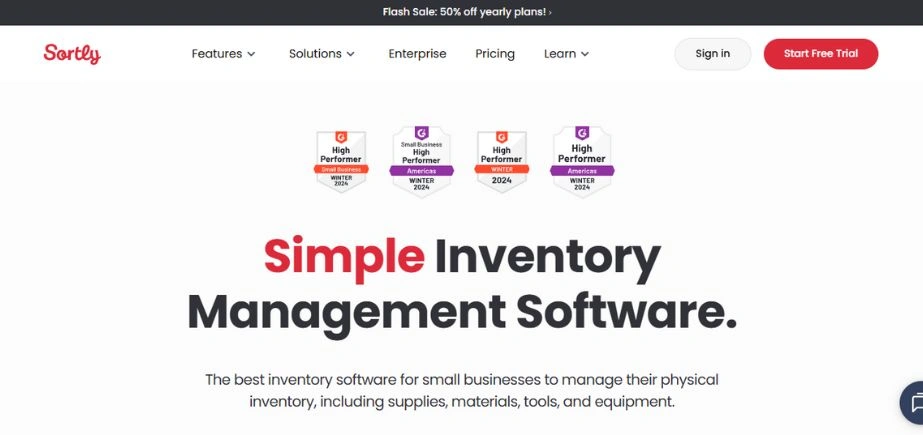
Sortly is a low-cost easy inventory management software , designed specifically for certain users. Sortly is restricted as compared to the majority of thorough inventory solutions, which generate end-to-end shipping and order management; however, this need makes Sortly fairly priced compared to most rivals. The software can be applied in the registration of quantities and locations of various things in offices, including furniture and stationery, as well as resale goods.
This mobile-focused inventory management software places emphasis on mobile access, offering easy access to inventory data from various mobile platforms.
Sortly features
- Cloud-based accessibility to inventory from multiple devices
- Customizable categories for easy organization of business processes and offline access
- Get real-time updates on low-stock inventory and order alerts
- Best suited for small retail businesses and asset tracking
Sortly limitations
- Users review reports that system updates often cause glitches in the system, which causes items to go missing
- Steep learning curve
Sortly pricing
- Free
- Advanced: $29 monthly
- Ultra: $59 monthly
- Enterprise: Custom pricing
Sortly ratings and reviews
- G2: 4.4/5 (20+ reviews)
- Capterra: 4.5/5 (250+ reviews)
9. ShipBob WMS
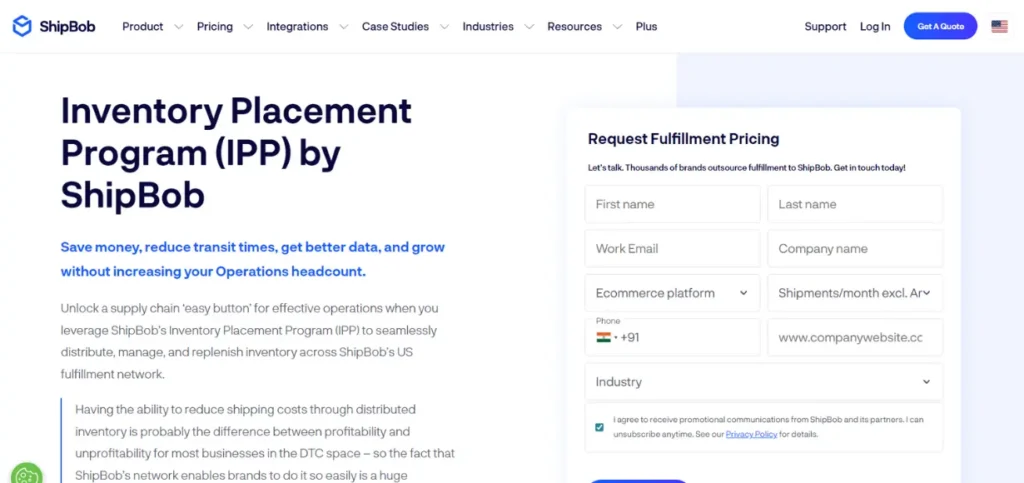
ShipBob Warehouse Management System (WMS) is a one-stop inventory management system that integrates well with third-party logistics (3PL) and hybrid fulfillment.
Inventory, shipping, and supply chain tools offered by the warehouse management software make it easy and effortless for shipping carriers to receive and ship orders from multiple locations.
ShipBob WMS features
- Ideal for bigger B2B and omnichannel wholesale companies that need end-to-end supply chain management
- Automatic order pick-and-pack-systems
ShipBob WMS limitations
- Pricing plans are inconsistent and not transparent
- The tool has a steep learning curve
ShipBob WMS pricing
ShipBob’s pricing plans depend on your inventory features and total fulfillment needs. You’ll need to engage directly with the sales team to obtain a customized price, providing specific details about your business and inventory requirements.
ShipBob WMS ratings and reviews
- G2: 3.6/5 (100+ reviews)
- Capterra: 3.7/5 (90+ reviews)
10. ClickUp
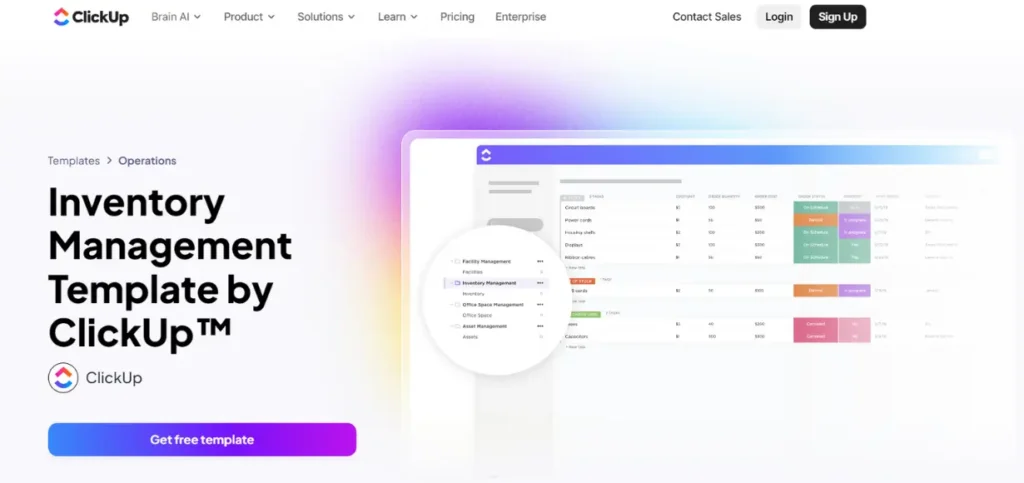
ClickUp Inventory is an inventory management tool that makes it easy to manage large or complex inventories. Review critical inventory trends to make data-driven decisions regarding restocking requirements.
You might want to monitor stock activity and availability; ClickUp has pre-built templates with tried-and-tested peak performance by users.
ClickUp Dashboards offer you a 360° view of your product data. The dashboard offers you a customizable screen with customized statuses, tables, and reporting functionality. You can easily add Dashboard Widgets to see useful data, such as time tracked and sprint velocity charts, and experience inventory efficiency!
ClickUp best features
- Manage inventory
- Create a structured layout using rows and columns .
- Generate inventory reports to identify product or service efficiency .
- View order delivery scheduling and tasks in real-time .
ClickUp limitations
- ClickUp might not work fast on some mobile phones (yet)
ClickUp pricing
- Free Forever
- Unlimited: $7 per month per user
- Business: $12 per month per user
- Enterprise: Contact for pricing
- ClickUp Brain: Available on all paid plans for $5/Workspace member/month
ClickUp reviews and ratings
- G2: 4.7/5 (9,000+ reviews)
- Capterra: 4.6/5 (3,000+ reviews)
Common Errors to Avoid in Inventory Management
- Over-Dependence on Software: Software is a tiny part of the gigantic inventory management sector and should not be mistaken as the foolproof method of inventory management. Nevertheless, officials must take heed of complete-fledged reviews and rigorous audits.
- Forgetting Employee Training: The optimal software can be deployed and utilized if the employees are not properly trained. Everyone who will use the system should know how it functions.
- Overlooking Inventory Turnover Rates: Running a pure stock-based replenishment system without considering turnover rates would lead to poor inventory control in which some of the products might be statically held for a very long period.
- Skipping Software Updates: It implies that free updates are offered to maintain the software running smoothly and companies receive new features and enhanced security.
- Not Backing Up Data: Although almost all software solutions happen via the cloud, backup plans ensure that any critical inventory data is protected.
Also Read: Best Finance Companies in Pune
Conclusion
Choosing the best inventory management software is one of the most crucial considerations that any organization that wants to conduct its business in an efficient and convenient manner by broadening its market outlets must take into account. Equipment like tracking, order management, and multi-channel integration activities pertaining to inventory management can transform the organizational processes in a business by enhancing efficiency and customer satisfaction. In determining what solution to employ, companies need to consider their specific requirements, whether for multi-channel selling, manufacturing support, or Point of Sale integration and opt for the software that is most suited to their requirements.
FAQs
1. What is inventory management software and how does it work?
Inventory management system is a computer system employed by various business organizations to track the inventory and even its orders. It can have features like tracking, rapid reporting, and integration with other business applications or services.
2. Is inventory management a tool within the small business owner’s reach?
In fact, there are many inventory management tools which offer affordable plans ranging from $30 to $40 that also have basic functionalities that are fit for start-up businesses.
3. How does Digicon support multi-channel selling?
Certain inventory software can connect with websites and online stores such that businesses are able to view their inventory through various outlets (such as Amazon, Shopify, eBay, and others) from a single platform.
4. Do we need inventory software if we do not sell physical products, and if so, what type?
Any organization, even those that do most of their business in the service industry, might need to use inventory software if they manage resources, equipment, or material. But it is usually even more important to businesses that possess physical inventory.
5. What kind of inventory management software shall I select has been a lingering question in many consumers’ minds?
Other noteworthy things to search for are your budget, how big your organization is, do you need some special things such as barcode scanner, and multiple locational assistance, preferred application compatibility, etc.